Registering a Deer Through the COMPASS Portal
You've just wrapped up a successful hunt, your heart is still pounding a bit, and the adrenaline is slowly subsiding. Maybe you're out in the chill of a Garrett County morning or deep in a Dorchester County marsh. The last thing on your mind, honestly, is often the bureaucratic step of registering your deer. But trust me, as someone who's been there, done that, and forgotten to do that, understanding Maryland's COMPASS portal and its deer registration process is crucial not just for legal compliance, but for the health of our deer herds. This guide is going to walk you through every single detail, making sure you know exactly what to do when that moment comes, so you can focus on the glory of your hunt, not the stress of the paperwork.
Why Deer Registration Matters in Maryland
It might feel like just another hoop to jump through, especially when you're tired and excited after a successful hunt. But registering your deer in Maryland through the COMPASS portal isn't just about following the rules; it's a vital part of effective wildlife management and ensures the future of hunting in our state. Think of it as your direct contribution to conservation.
Data Collection for Wildlife Management
Every time you register a deer, you're providing Maryland's Department of Natural Resources (DNR) with crucial data. This isn't just a random collection of numbers; it's the backbone of their scientific management strategies. The information you provide—like the date and county of harvest, the deer's sex, and even antler points if it's a buck—helps the DNR understand population trends, herd health, and the effectiveness of current hunting regulations.
For example, if the reported harvest of antlerless deer is low in a certain area, it might signal that the antlerless bag limits need to be adjusted to help control local populations. Conversely, if buck harvests consistently show a large number of young, smaller-antlered deer, it could indicate that the current Maryland's Three-Point Antler Restriction is having its intended effect, allowing younger bucks to mature. Without this data, the DNR would be essentially flying blind, unable to make informed decisions that ensure sustainable deer populations for all of us. Your registration, no matter how small it feels, directly impacts things like season lengths, bag limits, and even the future availability of hunting opportunities.
Legal Compliance and Avoiding Penalties
Let’s be honest, nobody wants a run-in with a Natural Resources Police officer, especially after a great day afield. Maryland law is very clear: all harvested deer (and turkeys) must be registered. The timeframe is usually within 24 hours of harvest, or before the deer leaves the state, whichever comes first. Missing this deadline or failing to register a deer can lead to fines and other legal penalties, which nobody wants. It's not worth the risk, especially when the registration process is designed to be relatively straightforward.
Beyond the initial hunt, having that confirmation number from your registration is your proof of legal harvest. If you're taking your deer to a processor, traveling with it, or even just showing it off to friends and family, that number is your official documentation. Imagine the headache of trying to explain why your deer isn't registered if you get stopped. It’s a simple step that saves a lot of potential grief and ensures you're enjoying your harvest with full peace of mind.
Step-by-Step Guide to Registering Your Deer on COMPASS
Navigating online portals can sometimes feel like a puzzle, especially if technology isn't your strong suit, or if you're not exactly fresh after dragging a deer out of a thicket. But the Maryland DNR's COMPASS portal is designed to be user-friendly, and once you get the hang of it, you'll find it's a quick and efficient way to register your deer. Let’s break it down into manageable steps.
Accessing the COMPASS Portal
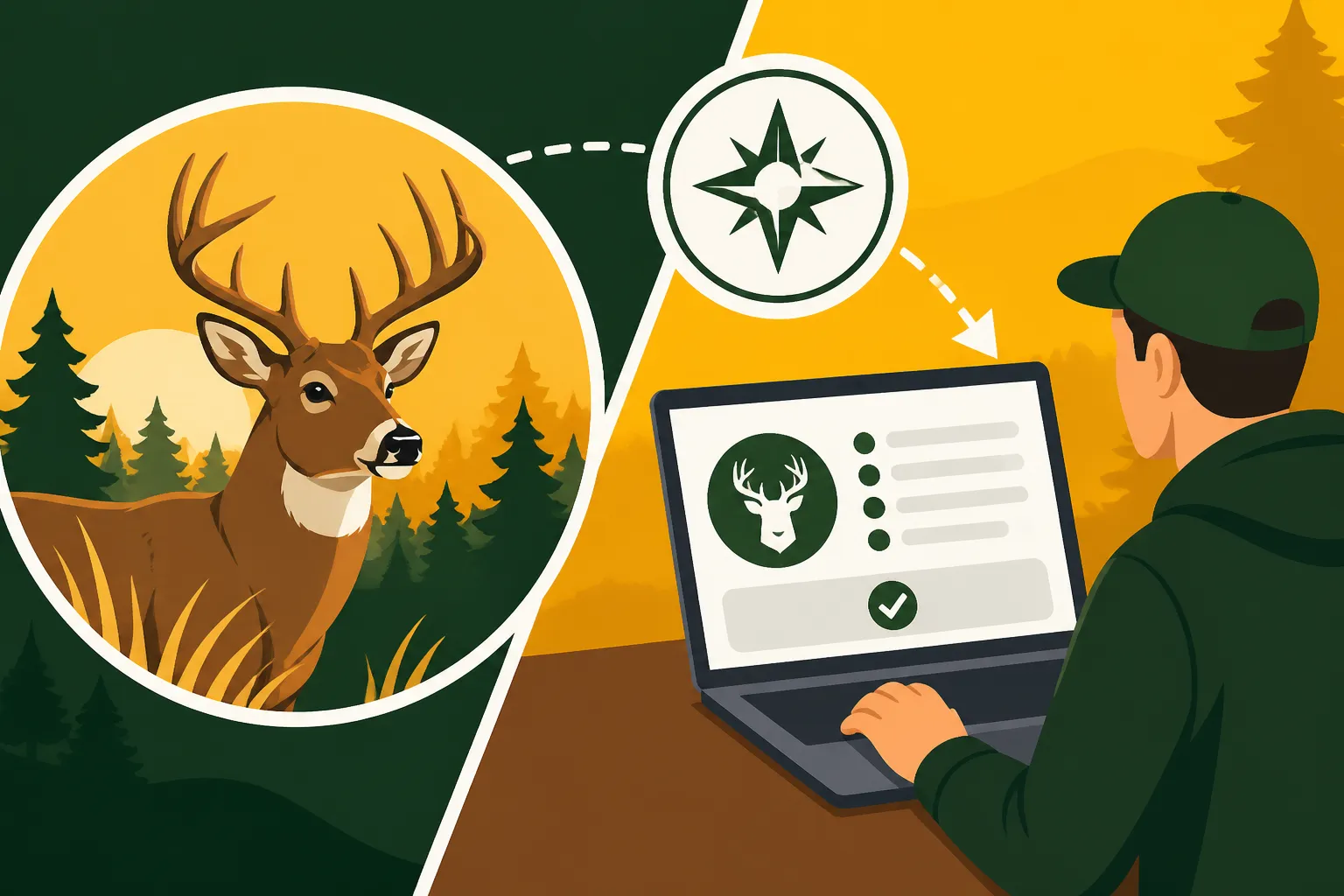
The first thing you need to do is get to the portal. You can access it directly from the Maryland Department of Natural Resources website. Just type "Maryland DNR COMPASS" into your search engine, and it should be the first result. Once you’re on the COMPASS landing page, you’ll need to log in to your account.
This means you’ll need your DNRid number and password. If you’ve purchased your Maryland Hunting Licenses and What They Cost through COMPASS before, you already have an account. If you’re a new user or have forgotten your details, there are options to create a new account or recover your password. It’s a good idea to make sure all your license information, including any necessary stamps like the Sika Deer Stamp or Bonus Antlered Deer Stamp, are up to date on your account before hunting season starts. This way, when the moment comes, you’re not scrambling to remember login details or update your profile from the field. Keeping your Carrying Your License on Your Phone is a good practice, but you'll still need internet access to register.
Entering Harvest Information Accurately
Once you're logged in, you'll look for the "Register a Harvest" or similar option. This is where you'll input all the critical details of your successful hunt. Don't rush this part; accuracy is key for both legal compliance and valuable data collection.
Here's a list of what you'll typically need to provide:
- Date and Time of Harvest: Be as precise as possible. This helps the DNR understand when deer are most active and when hunting pressure is highest.
- County of Harvest: Simple enough, but ensure you select the correct county.
- Weapon Used: You'll select from a dropdown list (e.g., archery, muzzleloader, shotgun, rifle where legal). This information is crucial, especially when considering the rules regarding Maryland's Legal Weapons by County or when you're Deciding Which Weapon Season to Spend Your Buck Tag.
- Deer Species: For most deer hunters in Maryland, this will be White-tailed Deer. However, if you're hunting in specific areas of the Eastern Shore, you might be registering a Sika Deer.
- Sex of the Deer: Male or Female.
- Antler Points (if applicable): If you harvested an antlered buck, you'll need to count the points. Remember, a "point" must be at least one inch long. This directly ties into Maryland's Deer Bag Limits and Antler Rule and the state's efforts to manage buck age structures. Make sure you understand how to count points correctly; it's usually defined as a projection at least one inch long, originating from the main beam. For example, if you're hunting in Region B, knowing How Many Antlerless Deer Region B Allows is important, but for a buck, you'll always need to count those points.
Carefully review everything before submitting. Double-checking your entries can save you a lot of hassle down the road. It’s always better to take an extra minute here than to face questions later.
Receiving Your Confirmation Number
After you’ve meticulously entered all the required information and hit that "submit" button, the portal will generate a unique confirmation number. This isn't just a random string of digits; it’s your official proof that you’ve legally registered your deer.
You absolutely, positively must write this confirmation number down. Take a photo of it with your phone, email it to yourself, or jot it down in a waterproof notebook. This number serves as your official harvest tag and must accompany the deer carcass, or at least be readily available upon request by law enforcement. Think of it like a receipt for your successful hunt. Should you ever need to retrieve a deer from a processor, transport it across state lines, or just verify its legal harvest, this number is your key. Without it, you could run into trouble, so treat it with the importance it deserves.
Common Pitfalls and Troubleshooting When Registering
Even with the best intentions and a user-friendly system, sometimes things go sideways. From spotty cell service to simple human error, registering a deer can present a few challenges. Don't worry, these are common issues, and there are usually straightforward solutions.
Internet Access and Remote Hunting Locations
Maryland offers incredible hunting opportunities, often in remote, wild places where cell phone service is, shall we say, "less than reliable." Imagine you've just taken a beautiful deer deep in the Savage River State Forest, and you're miles from the nearest signal tower. How are you supposed to register within 24 hours? This is a common frustration for hunters who venture off the beaten path.
The key here is planning ahead. While you might not have service at the moment of harvest, you need to ensure you'll have it before the 24-hour deadline or before the deer leaves the state. This might mean:
- Driving to a Hotspot: Know the nearest town or area where you can get reliable cell service or Wi-Fi. Many small-town gas stations or diners often have Wi-Fi available for customers.
- Using a Satellite Device: For the truly remote hunter, a satellite communication device like a Garmin inReach or a Zoleo can provide limited internet access or messaging capabilities to send your harvest details to a friend or family member who can register for you (with your details, of course).
- Having a Backup Plan: Before you head out, identify a reliable friend or family member who has access to your DNRid and password, and who understands the registration process. In an emergency, you might be able to text them the necessary information to register on your behalf. Just remember to verify the confirmation number with them afterward.
Remember, the DNR understands that you're not always going to be sitting next to a Wi-Fi router. The rule is 24 hours or before the deer leaves the state. This gives you a window to get to an area with connectivity. Planning for this before you hunt can save a lot of stress after the shot.
Data Entry Errors and How to Correct Them
Mistakes happen. Maybe you accidentally selected the wrong county, or you miscounted the antler points in your excitement. Once you've submitted the registration and received your confirmation number, correcting an error isn't always as simple as hitting "undo."
If you realize you've made a mistake immediately after submitting, your best bet is to call the Maryland DNR customer service line as soon as possible. Explain the situation clearly, providing your confirmation number and the details of the error. They are usually very helpful and can often make the necessary adjustments for you in their system. Don't try to register the same deer again with corrected information, as this can create duplicate entries and further confusion.
It’s another reason why carefully reviewing your information before hitting "submit" is so important. When you're using tools like GoHunt to scout potential hunting areas or confirm property lines, you're already paying close attention to detail – apply that same diligence to your registration! Checking things like the correct county or weapon type against what's legal in specific areas, like when hunting Maryland's Two Deer Management Regions, can prevent common errors.
Understanding Maryland's Deer Management Regions
Maryland is divided into two primary deer management regions: Region A and Region B. This distinction is incredibly important for hunters, as it dictates bag limits, weapon choices, and specific antler restrictions. Registering your deer correctly means knowing which region you're hunting in.
- Region A: Generally encompasses the westernmost counties of Allegany and Garrett, characterized by more mountainous, forested terrain. Bag limits tend to be more conservative here due to different population dynamics.
- Region B: Covers the rest of the state, including the agricultural lands of the Eastern Shore, the Piedmont, and Southern Maryland. This region typically has higher deer populations and more liberal bag limits for antlerless deer. For instance, knowing What Makes Region A Different for Deer Hunters is crucial because an antlered buck taken in Region A might be subject to different rules than one taken in Region B.
When you're entering your county of harvest, the system typically knows which region it falls into, but it’s still your responsibility to be aware. Make sure you’ve read the current year’s hunting guide thoroughly, especially the sections pertaining to deer bag limits and antler restrictions for both regions. Tools like GoHunt often have layers that display these regional boundaries, making it easier to verify your location before and during your hunt. This knowledge directly affects the data you provide and ensures you’re within the legal framework for the area you’re hunting.
Keeping Track of Your Harvests
Once you've registered your deer and received your confirmation number, that's not the end of the story for your records. It's smart to keep a personal log of your harvests, even beyond what the state requires. This can be as simple as a small notebook or a dedicated app on your phone.
Your personal harvest log can include:
- The confirmation number from the COMPASS portal.
- Detailed location notes (beyond just county) – perhaps a specific farm name, woodlot, or WMA section.
- Weather conditions during the hunt.
- Any interesting observations about the deer or the hunt itself.
- Photos!
This personal data can be incredibly valuable for your future hunting strategies, helping you identify patterns in deer movement, successful stand locations, or even just reliving the memories of a great hunt. The COMPASS portal does keep a record of your past registrations within your account, which is a fantastic feature for reviewing your hunting history.
The Role of Technology in Modern Hunting
Modern hunting isn't just about boots on the ground and a rifle in hand anymore; technology plays a significant role in every aspect, from scouting to harvest registration. Using apps like GoHunt for aerial photos and property lines can drastically improve your success rates and ensure you're hunting legally. These same technological comforts, like smartphone apps and online portals, extend to the necessary administrative tasks like deer registration.
While some traditionalists might bemoan the digital age, embracing these tools makes us more efficient and better stewards of our resources. The COMPASS portal is a testament to this evolution, streamlining a process that once involved paper tags and mail-in reports. It ensures real-time data collection, which is invaluable for the DNR's adaptive management strategies.
| Required Deer Registration Information | Details to Provide | Importance |
|---|---|---|
| DNRid and Password | Your unique hunter identification and login credentials. | Access to your account and legal verification of hunter identity. |
| Date of Harvest | Exact date deer was taken. | Tracks hunting pressure, herd activity, and compliance with seasons. |
| Time of Harvest | Approximate time of day. | Provides further detail for activity patterns. |
| County of Harvest | Specific Maryland county where the deer was harvested. | Crucial for regional data, bag limits, and legal weapons regulations. |
| Weapon Used | Archery, Muzzleloader, Shotgun, Rifle (where legal). | Tracks success rates by weapon type and compliance with season rules. |
| Deer Species | White-tailed Deer or Sika Deer. | Essential for species-specific management and population data. |
| Sex of Deer | Male (Buck) or Female (Doe/Antlerless). | Tracks buck-to-doe ratios and antlerless harvest impacts. |
| Antler Points (if male) | Number of points 1 inch or longer on main beams. | Monitors buck age structure, compliance with antler restrictions. |
| Confirmation Number | Unique number generated upon successful registration. | Your legal proof of harvest; must accompany the carcass or be accessible. |
Final Thoughts on Deer Registration
Registering your deer through the Maryland COMPASS portal is a small but mighty act of responsibility. It closes the loop on your hunting adventure, turning your individual success into collective data that benefits all Maryland hunters. It's not just about avoiding a penalty; it's about being an active participant in the conservation efforts that keep our deer populations healthy and thriving. So, when that moment comes, take a deep breath, savor the experience, and then take the few minutes to get your harvest properly recorded. Happy hunting!
Disclaimer
Always consult the current Maryland DNR hunting regulations for the most up-to-date information on seasons, bag limits, and registration requirements. Regulations can change annually, and it is the hunter's responsibility to be aware of and comply with all applicable laws.